About this app
About Mobile Tile Server
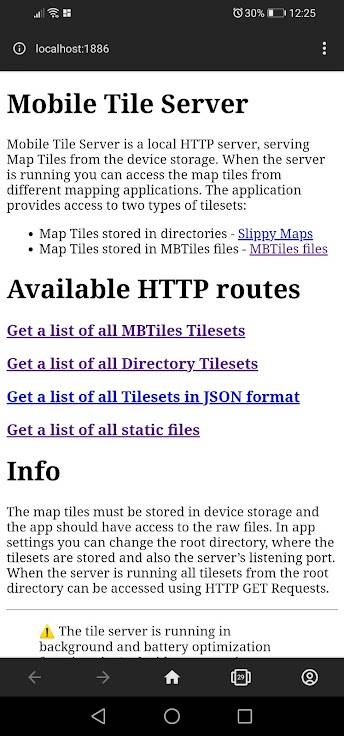
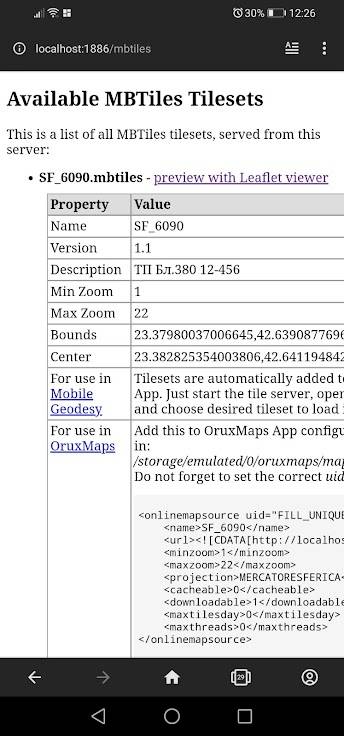
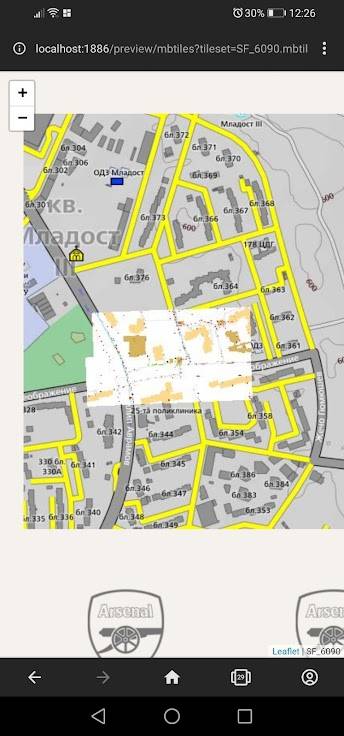
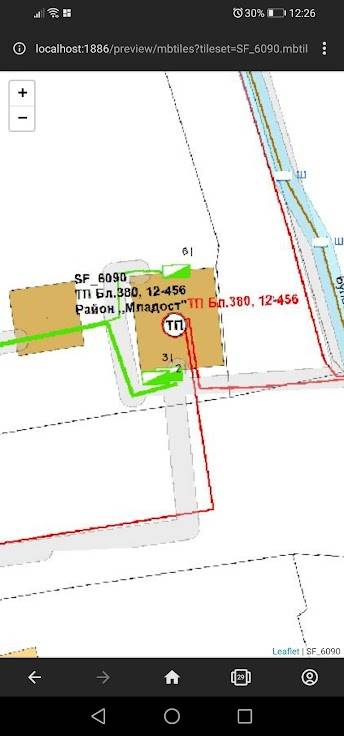
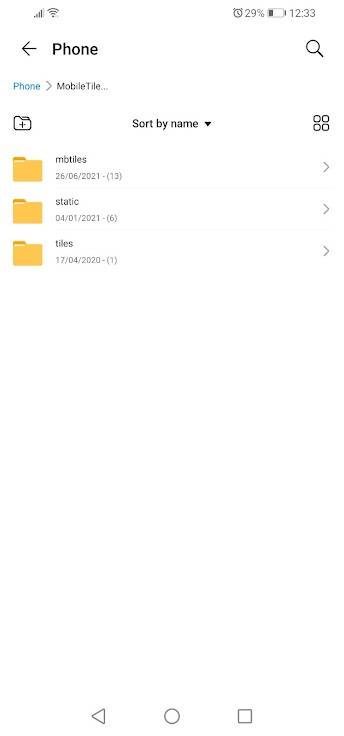
<p><i>Mobile Tile Server</i> can be used as a HTTP server, serving Map Tiles from the device storage. When the server is running you can access the tiles from different mapping applications.</p><p>The application provides four main options:</p><ul><li>Access of local Map Tiles</li><li>Access of local MBTiles files</li><li>Redirect to a Tile Server with QuadKey Tile schema</li><li>Access static files</li></ul><p><b>Access to local Map Tiles</b></p><p>Local Map Tiles can be accessed on address: <code>http://localhost:PORT/tiles</code> – where PORT is set in application settings. In settings, you must specify a directory, where the files are stored. This directory is used as a root for the server. All files in that directory (including subdirectories) will be accessible from the server.</p><p><br><b>Example:</b> If you have map tiles stored in <code>/storage/emulated/0/MobileTileServer/tiles/Plovdiv/{z}_{x}_{y}.png</code>, you can set the root directory to: <code>/storage/emulated/0/MobileTileServer</code>. Then in order to access this map just start the service and navigate to: <code>http://localhost:PORT/tiles/Plovdiv/{z}_{x}_{y}.png</code>.</p><p>In this case the root directory points to the parent folder (which contains ’Plovdiv’ subfolder). This way you can have multiple subfolders containing different map tiles and all can be accessed through the same server!</p><p><br><b>Access to local MBTiles files</b></p><p>… can be found on address: <code>http://localhost:PORT/mbtiles</code> – where PORT is set in application settings. In settings, you must specify a directory, where the files are stored. This directory is used as a root for the server. All files in that directory (including subdirectories) will be accessible from the server.</p><p>As MBTiles use TMS schema to store map tiles, y coordinate must be transformed in order to locate the correct tile row. If your app uses XYZ tile schema, pass negative value for y (-y) as a parameter.</p><p>There are several parameters, which must be provided:</p><ul><li>’file’: MBTiles file (including extension)</li><li>’z’: map zoom level</li><li>’x’: x coordinate of a map tile</li><li>’y’: y coordinate of a map tile</li></ul><p><b>Example:</b> If you have tiles stored in MBTiles format, you can place your files in the root directory and access them with: <code>http://localhost:PORT/mbtiles/?tileset=test.mbtiles&z={z}&x={x}&y={y}</code> or if XYZ schema is used: <code>http://localhost:PORT/mbtiles/?tileset=test.mbtiles&z={z}&x={x}&y=-{y}</code></p><p><br><b>Redirect to a Tile Server with QuadKey Tile schema</b></p><p>Redirect can be accessed on address: <code>http://localhost:PORT/redirect/?url=&quadkey=true&z=&x=&y=</code> – where PORT is set in application settings. In settings, you must specify a directory, where the files are stored. This directory is used as a root for the server. All files in that directory (including subdirectories) will be accessible from the server.</p><p>There are several parameters, which must be provided:</p><ul><li>’url’: url address on which to redirect</li><li>’quadkey’: ’true’ if the server uses QuadKey Tile schema</li><li>’z’: map zoom level</li><li>’x’: x coordinate of a map tile</li><li>’y’: y coordinate of a map tile</li></ul><p><b>Example:</b> If you want to use for example Bing Maps, which uses QuadKey Tile schema and you only have XYZ tile coordinates you can use the redirect option, which will calculate the quadkey value and then will redirect the request to the server. For accessing Bing Maps Aerial map tiles you can navigate to: <code>http://localhost:PORT/redirect/?url=http://ecn.t0.tiles.virtualearth.net/tiles/a{quadkey}.jpeg?g=6201&quadkey=true&z={z}&x={x}&y={y}</code></p>