

App media
Screenshots & Visuals
About this app
About ADNS
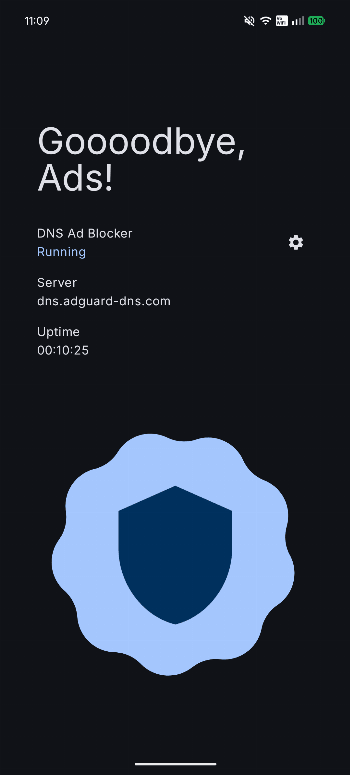
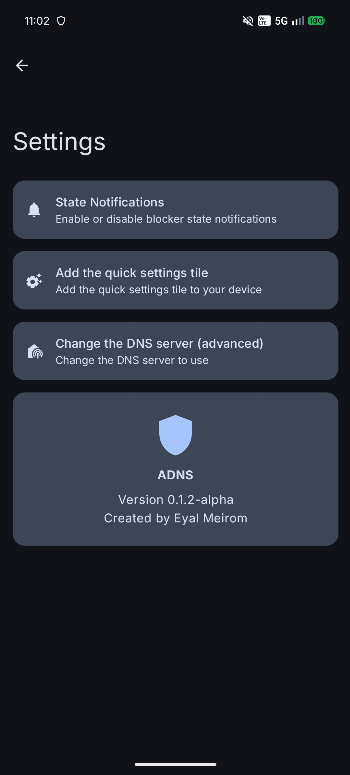
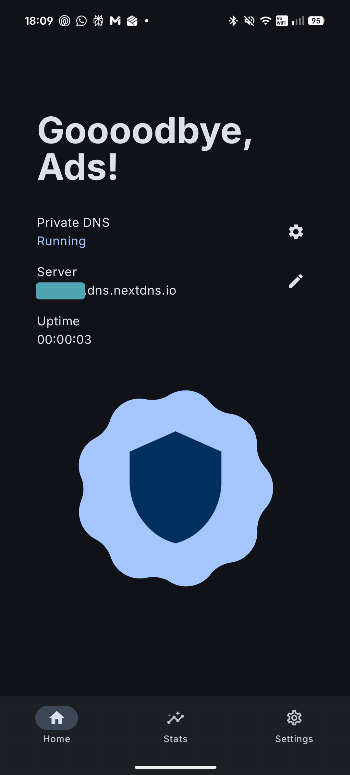
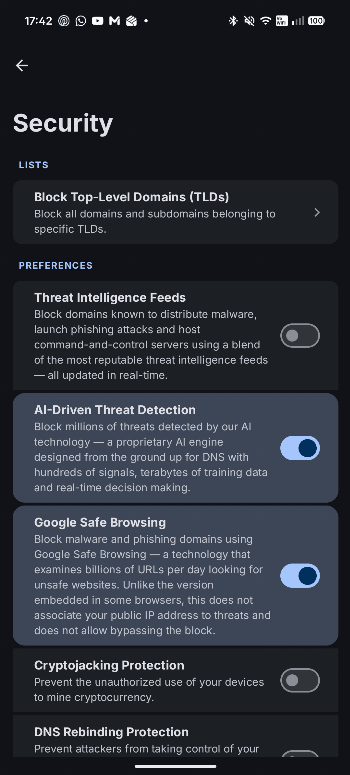
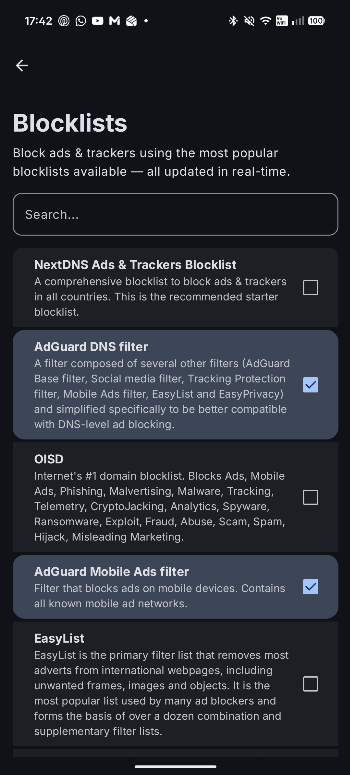
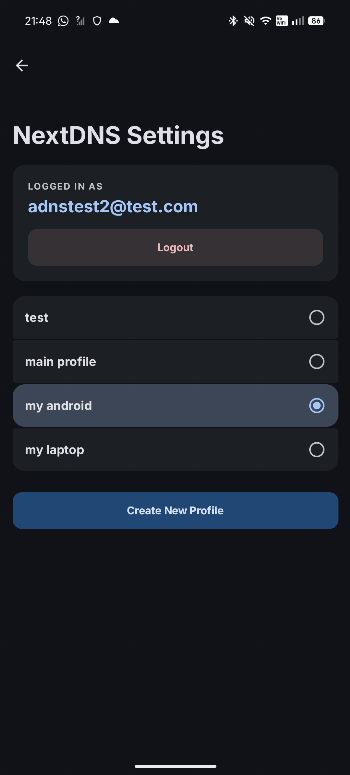
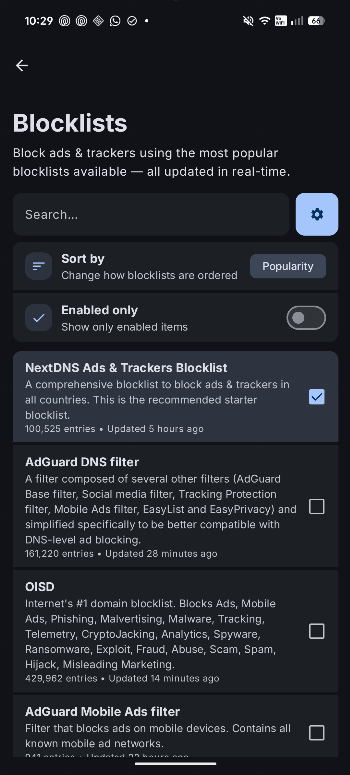
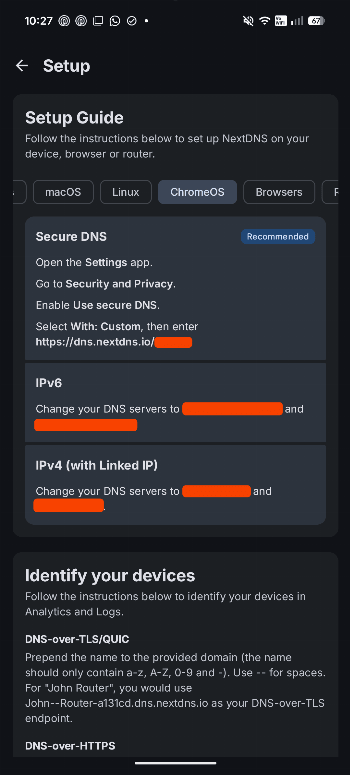
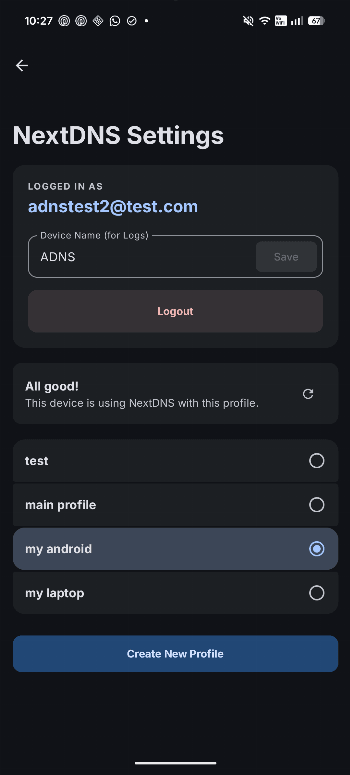
<p><b>Overview</b></p><p>ADNS combines a feature-rich Private DNS client with a native NextDNS integration, giving you full control over your device's DNS settings and your NextDNS account.</p><p><b>Three Ways To Use ADNS</b></p><p><b>1. Private DNS Client</b></p><p>Use ADNS as a fast Private DNS controller when you want direct control over system DNS without using a VPN. Requires a one-time Shizuku or ADB setup.</p><ul><li>Turn Private DNS on or off with a single tap</li><li>Apply automatic Wi-Fi rules for specific networks</li><li>State notifications so you can quickly see whether DNS is active</li><li>Quick Settings tile for instant toggle access</li><li>Choose your preferred provider and filtering options when supported (ads, trackers, malware, adult content, and safe search)</li><li>Supported providers include AdGuard, Cloudflare, Google, Quad9, OpenDNS, NextDNS, and custom hostnames</li></ul><p><b>2. Native NextDNS Client & Manager</b></p><p>Use ADNS as a full NextDNS app when you want to manage your account without opening a web dashboard. Requires a NextDNS account (no Shizuku or ADB needed).</p><ul><li>View and edit every NextDNS profile setting right from the app</li><li>Inspect NextDNS logs and detailed statistics</li><li>View setup guides for all devices and platforms</li><li>100% native Android experience - no WebViews involved</li></ul><p><b>3. NextDNS + Private DNS Integration</b></p><p>Use ADNS to link your NextDNS account directly to your device's DNS settings and keep both sides in sync. Requires a one-time Shizuku or ADB setup.</p><ul><li>Seamless integration with all ADNS features (Wi-Fi rules, notifications, and Quick Settings tile)</li><li>Automatic NextDNS setup handled entirely for you</li><li>Custom device name support (appears in your NextDNS dashboard, statistics, and logs)</li><li>One-click NextDNS profile switching that updates the system DNS settings for you</li></ul><p><b>Disclaimer</b></p><p>ADNS is an independent project and is not affiliated with NextDNS in any way.</p>
Release archive
ADNS Version History
Keep exploring
Related Apps
 →
→
 →
→
 →
→

Fwknop2
Jonathan Bennett
Fwknop2 is an Android app in the Internet category from Jonathan Bennett. APKClassic currently lists version 1.2.3.

Anecdote
Hugo Gresse
Anecdote is an Android app in the Internet category from Hugo Gresse. APKClassic currently lists version 1.1.5.

Web Tube
Webtube is an Android app in the Internet category. APKClassic currently lists version 1.2.